
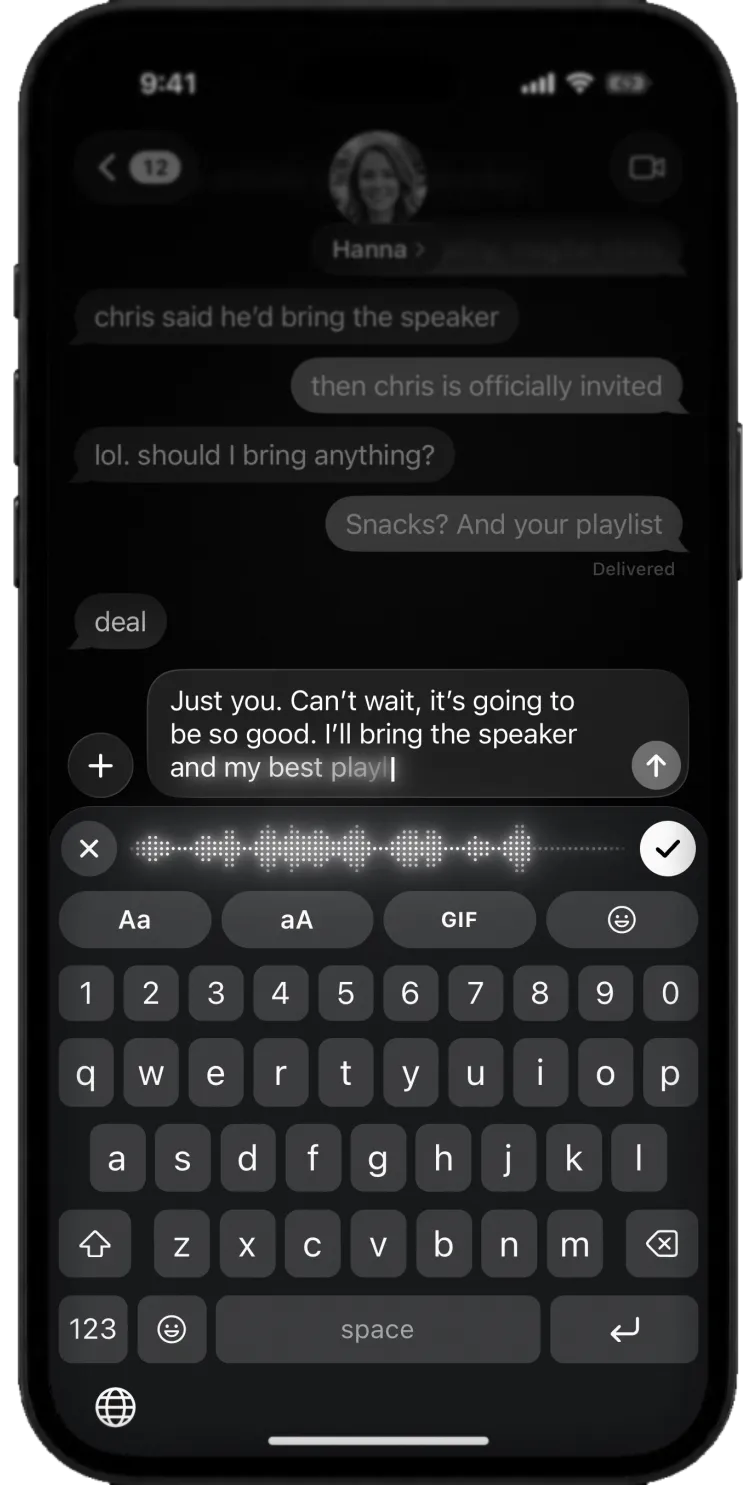

You talk. It types.
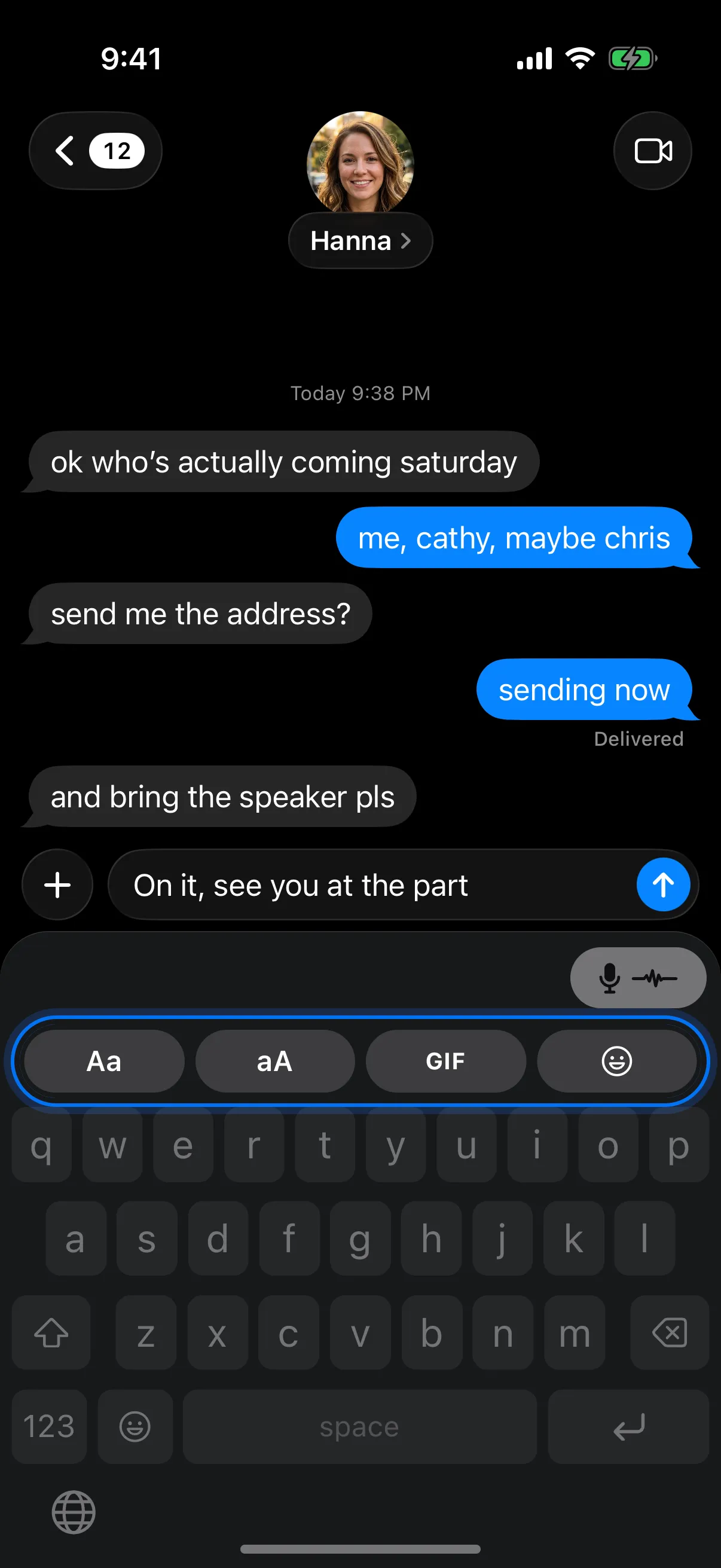
Tap the mic button and talk. Say “comma” and you get a comma. Numbers come out as digits.
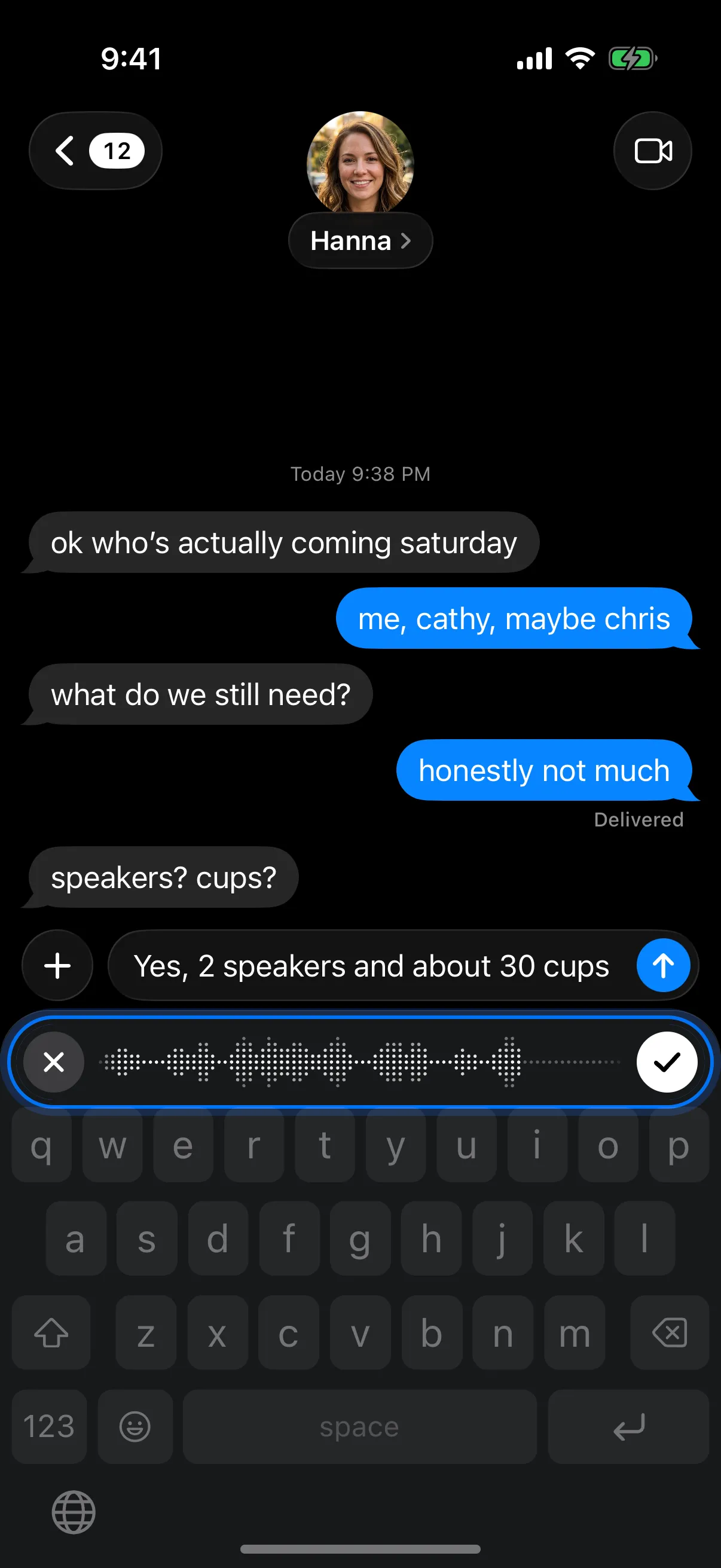
Dictate, swipe or type in any app, and it comes out right,
in your style. None of it leaves your iPhone.
Most voice typing keyboards bounce you to their app and back before you can say a word. This one lets you talk right where you’re typing.
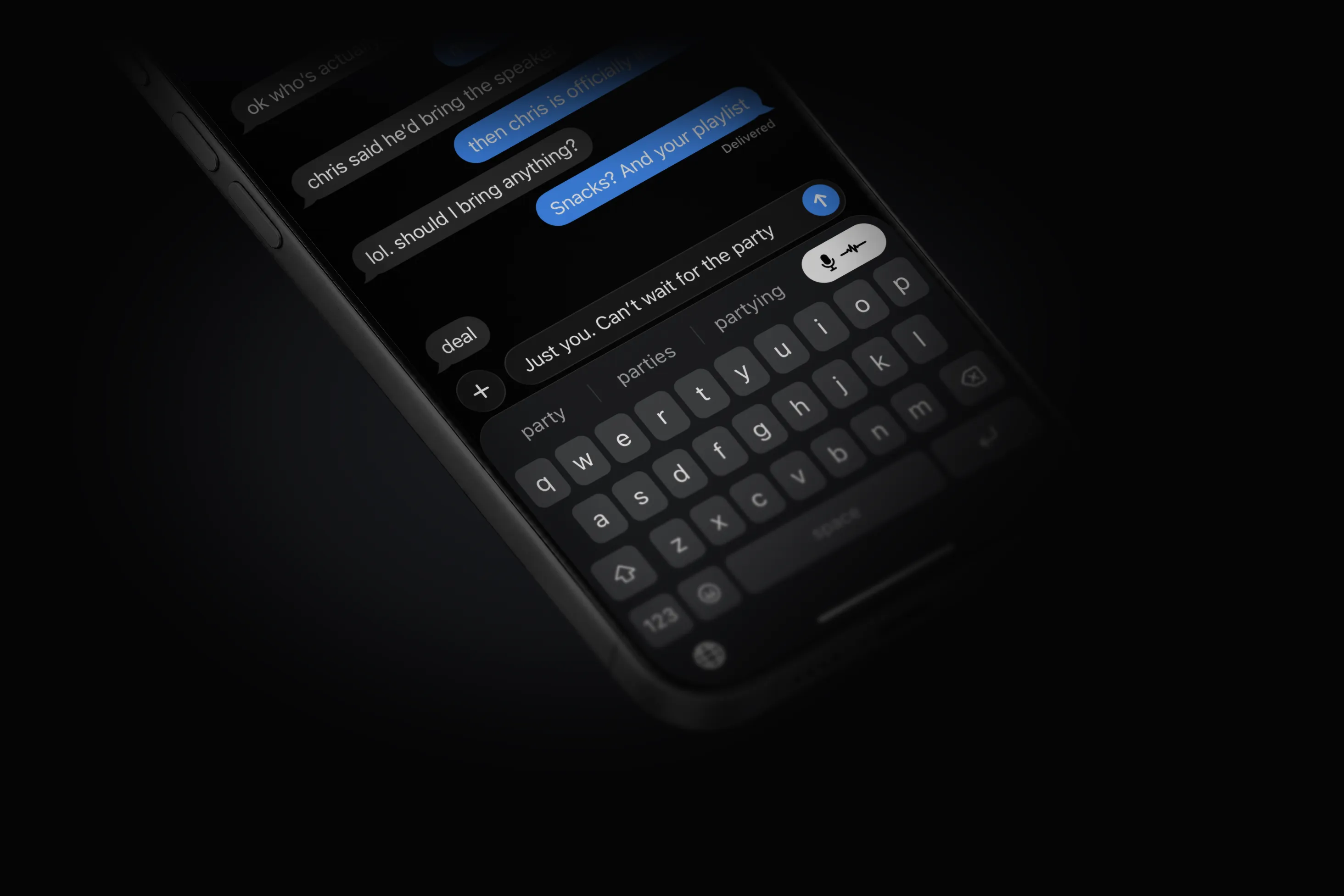
Tap the mic button and talk. Say “comma” and you get a comma. Numbers come out as digits.
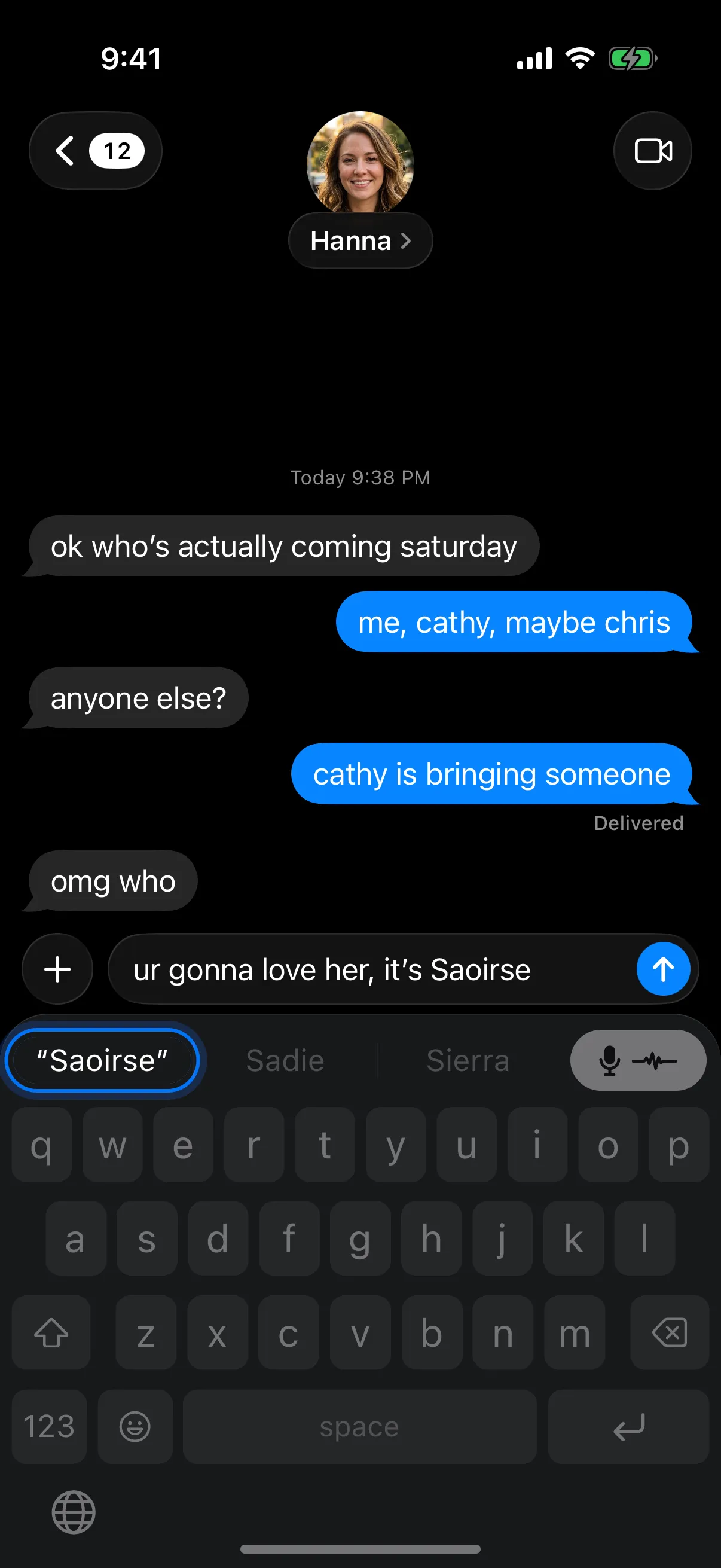
Undo a fix twice and autocorrect never makes it again. Names and slang stay as you typed them.
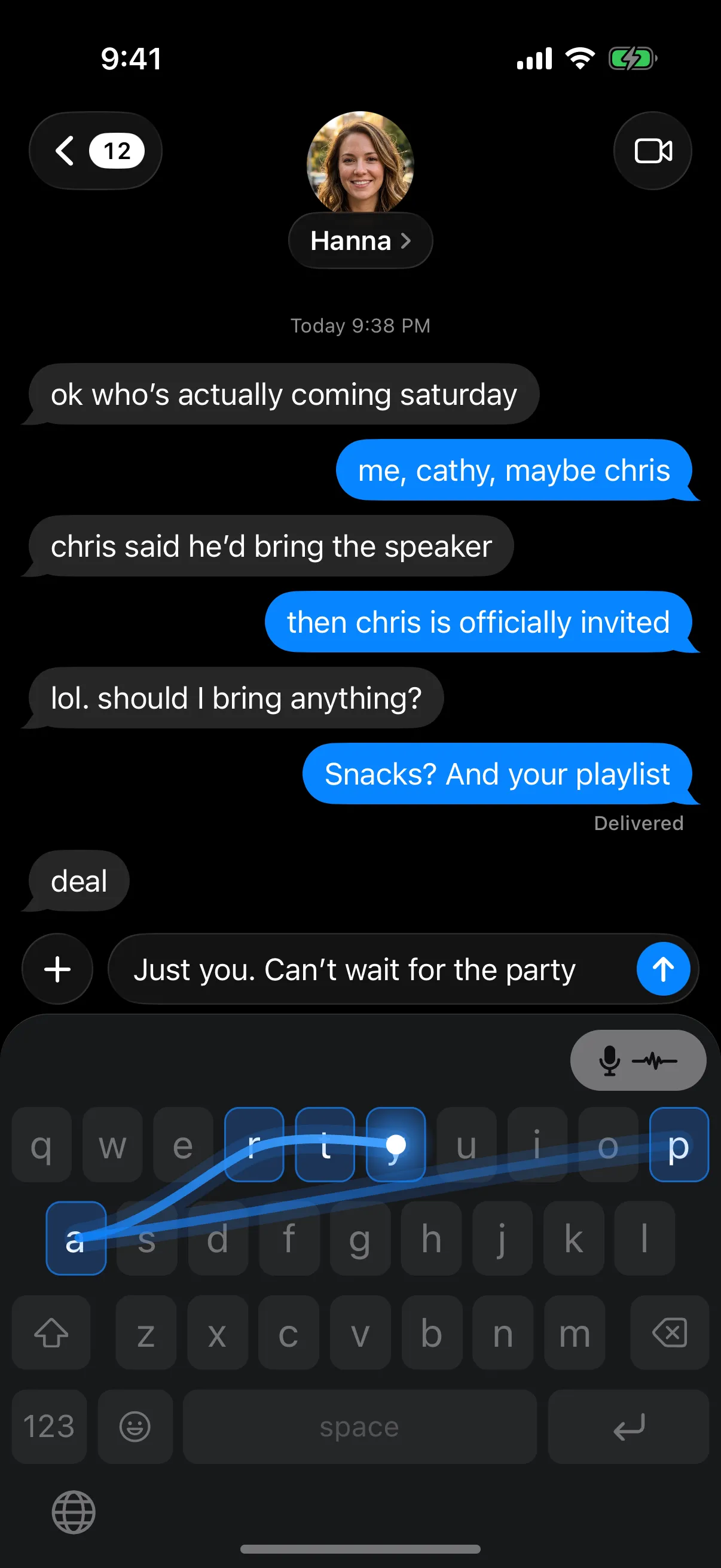
Glide from letter to letter, lift your thumb, and the whole word is there. English and Spanish to start.
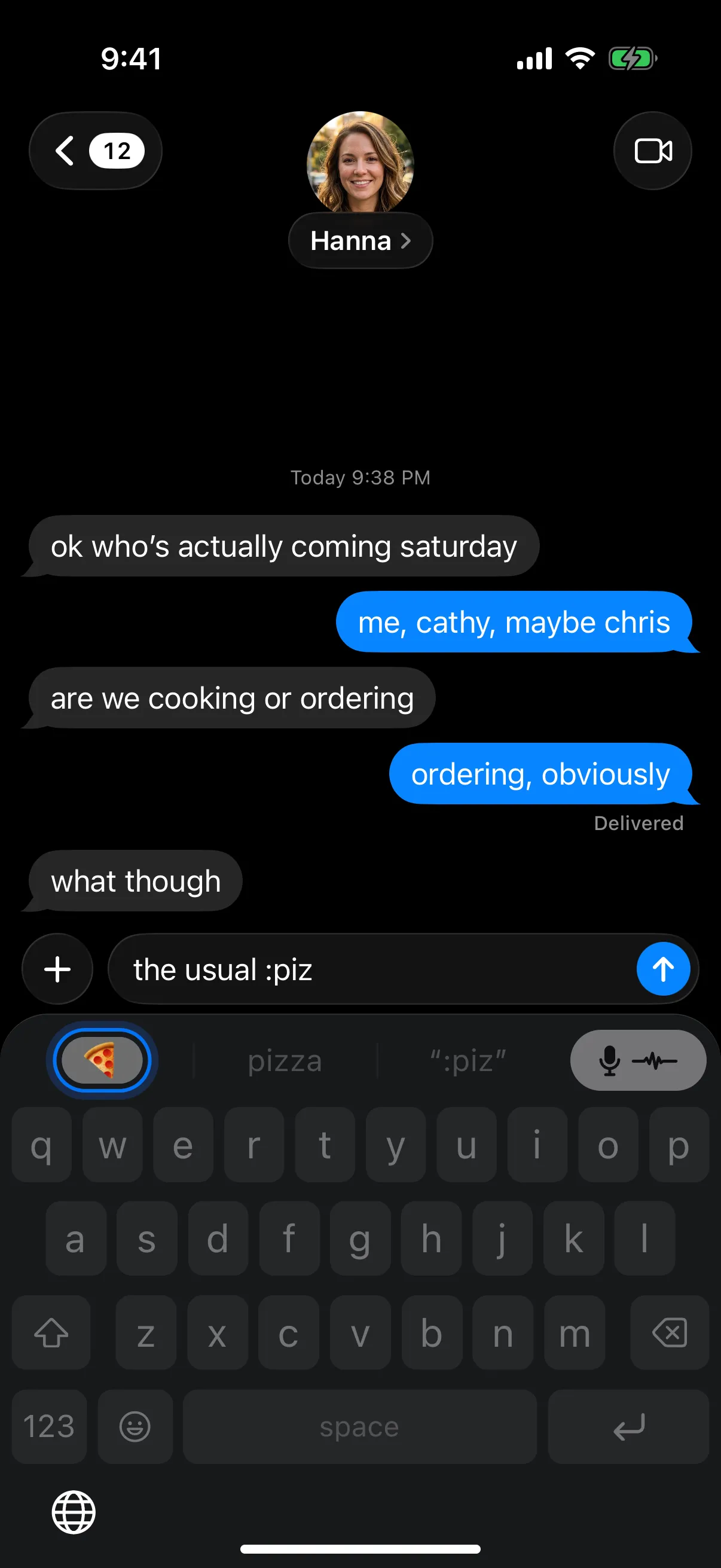
Tap it and keep typing. No switching to the emoji keyboard.
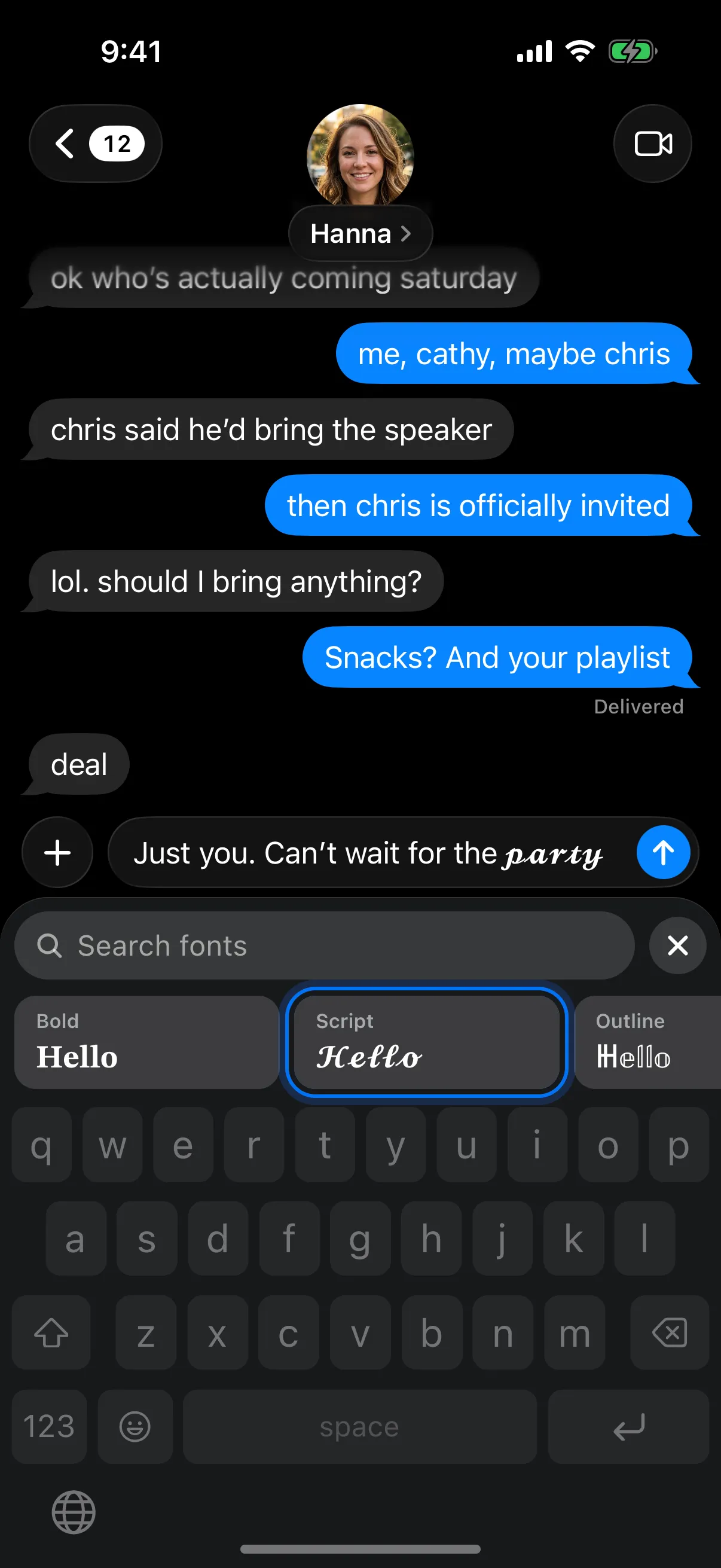
Keyboard fonts that stay styled in Instagram, TikTok, WhatsApp and iMessage.
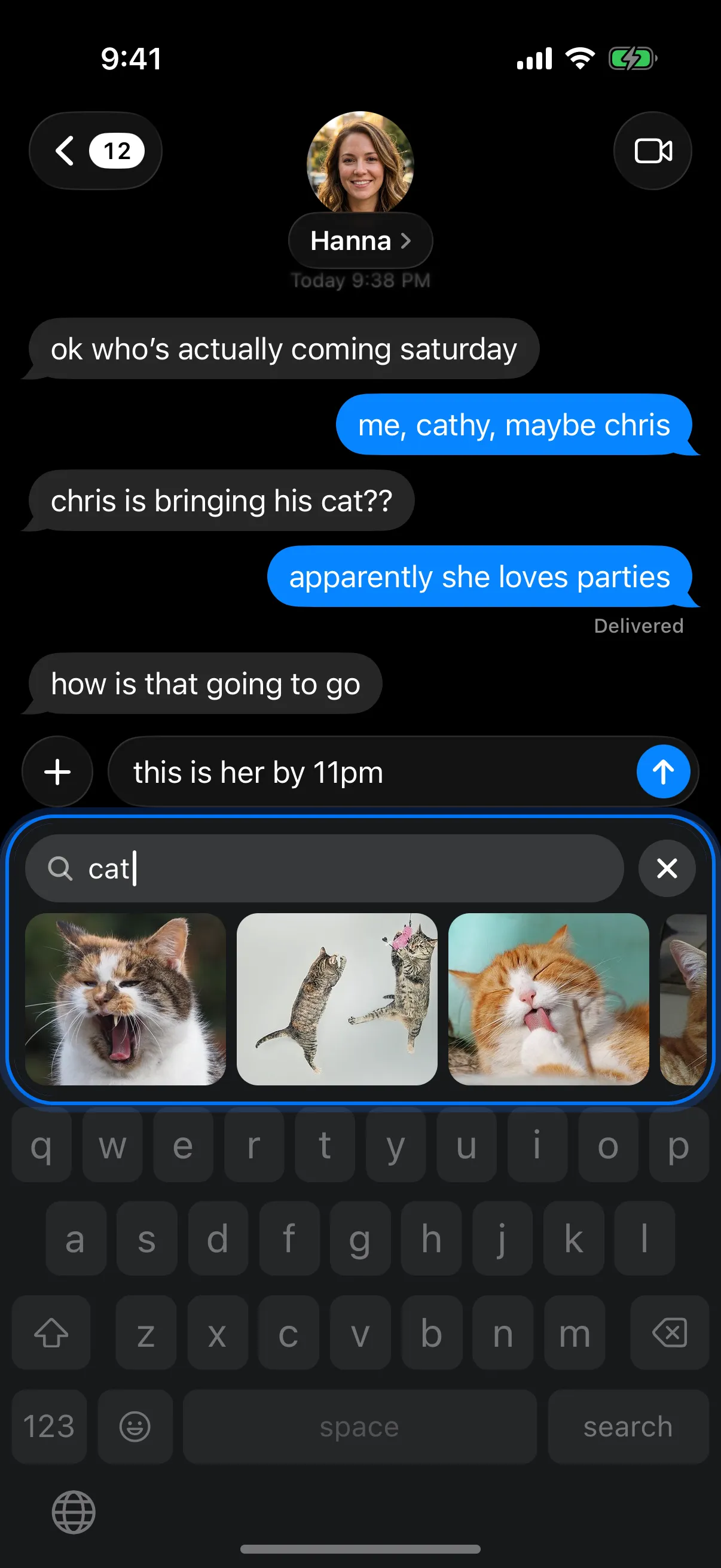
Search for a GIF and tap it, no other app or website needed.
Fonts, case, GIFs and emoji are one tap away. Keep up to four, in the order you like.
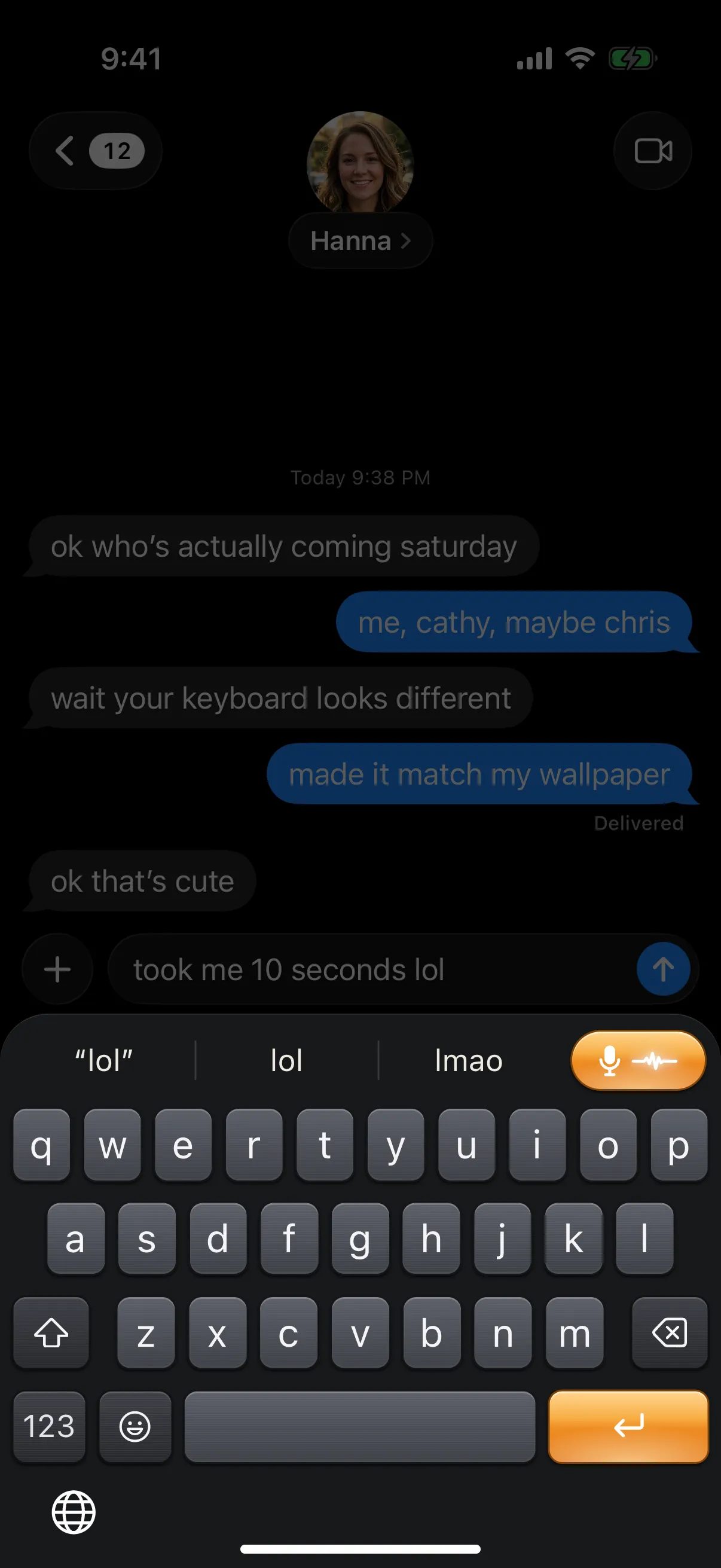
Start from a theme, then pick your key shape, colors and key sounds.
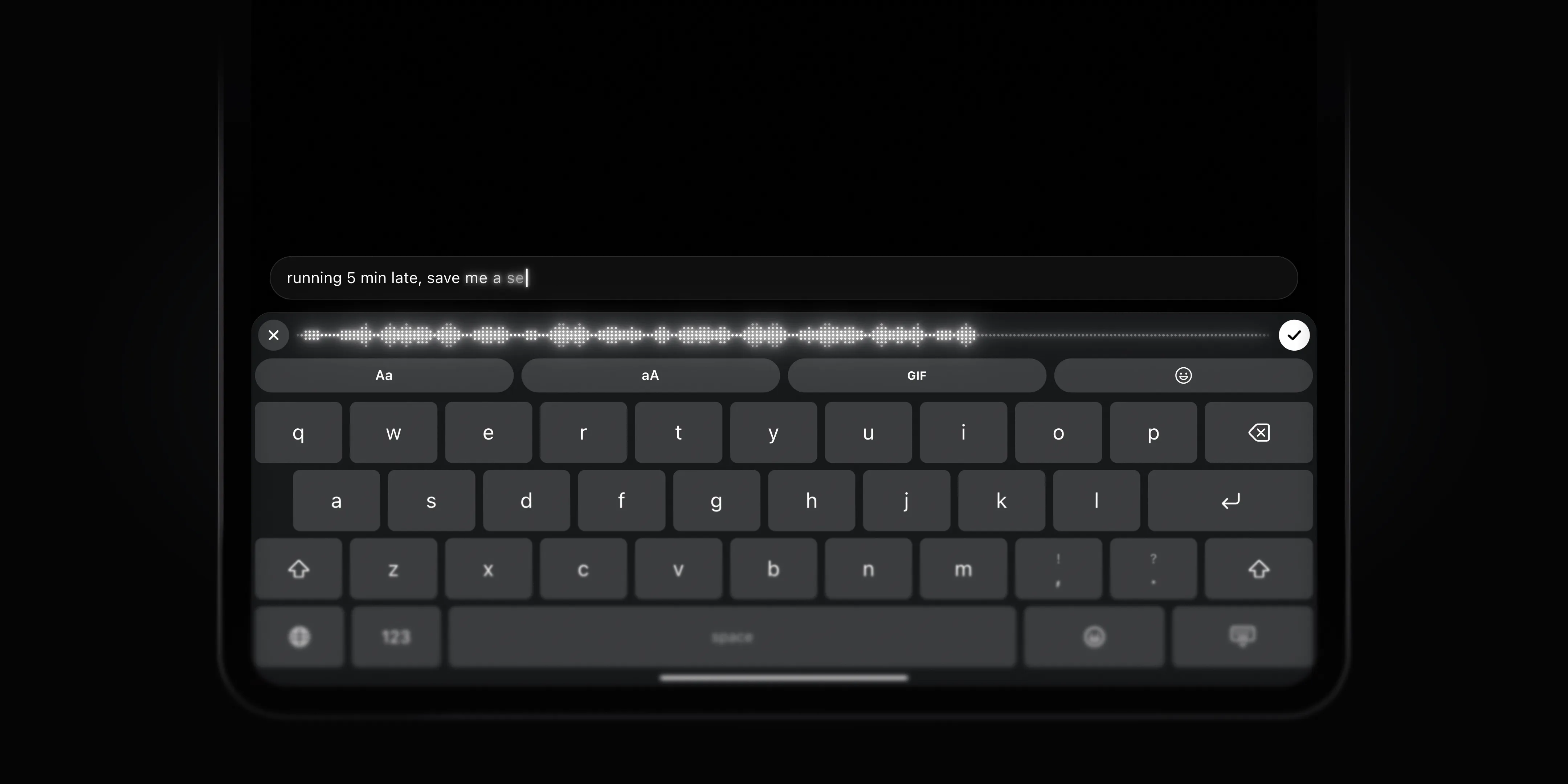
Everything on this page works on iPad, with room for both hands.
No. What you type and say stays on your iPhone. GIF search is opt-in: when you turn it on, the words you search for go to a GIF library to find GIFs.
It depends on what the keyboard does with it. Full Access is one iOS switch for the whole keyboard, and Apple says that with it on, people “know their keystrokes are available to the keyboard developer”. Better Keyboard asks for it so you can use voice to text: without it, iOS gives a keyboard “No access to microphone and speaker”. With it on, what you type and say still stays on your iPhone. Or leave it off and just type.
Yes, for typing. Apple's rule for a keyboard without Full Access is that “the system ensures that keystrokes can’t be sent back to your server or anywhere else”. With the switch off you give up voice to text, haptics, key clicks, Paste and GIF search. The keyboard also can't save settings to the app, and it remembers what it learned only until it closes.
No. Better Keyboard has no account to create and no sign-in screen.
You turn it on once in Settings. With Better Keyboard:
Typing works from there. For voice to text, also turn on Full Access on the same Settings screen.
Only if you turn it on. Rewrite and “Clean up what I say” are optional switches, and both run on your iPhone. Rewrite rewrites what you said or typed. Clean up only takes words out: the repeats and the ones you corrected out loud. Leave both alone and voice to text types what you said, with the ums trimmed. Pick Verbatim and every word stays as you said it.
On iPad, yes: install Better Keyboard from the App Store and it works as your iPad keyboard. Android comes later.